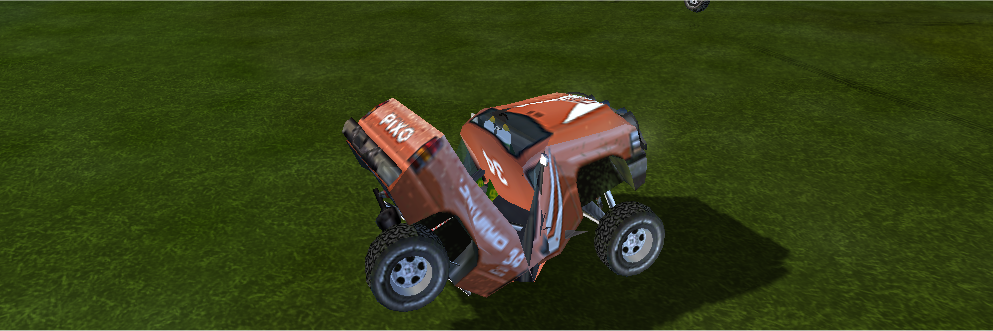
Using IDF Exploder
You must realise some vehicles like the soda have 8 different skins where others only have 4.
You need to go through the 001etc img.png files by either extracting or previewing to find out what number is what.
The skins are in sets of 2 main skin and damage skin you will also find the interior skin to, there are also the vehicle sound files – snd000.wav etc.
you need to locate and select the skin you want to replace then hit replace or inject,
browse and select the file you want to replace it with then hit inject or save.
Remember the files you are replacing with must be the same or smaller size as the one already in the slot.
Files you will see in IDF Expolder
for the pico.idf – Utility
Snd000.wav – revers
Snd001.wav – idle
Snd002.wav – throttle
Snd003.wav – horn
Img004.png – skin 1 main skin
Img005.png – skin 2 main skin
Img006.png – skin 2 damage skin
Img007.png – skin 3 main skin
Img008.png – skin 3 damage skin
Img009.png – skin 4 main skin
Img010.png – skin 4 damage skin
Img011.png – interior skin
Img012.png – skin 1 damage skin
other vehicles are similar
Download idf exploder